Shinobi Way Controls Guide
PC keyboard, mobile touch, and console gamepad — one reference.
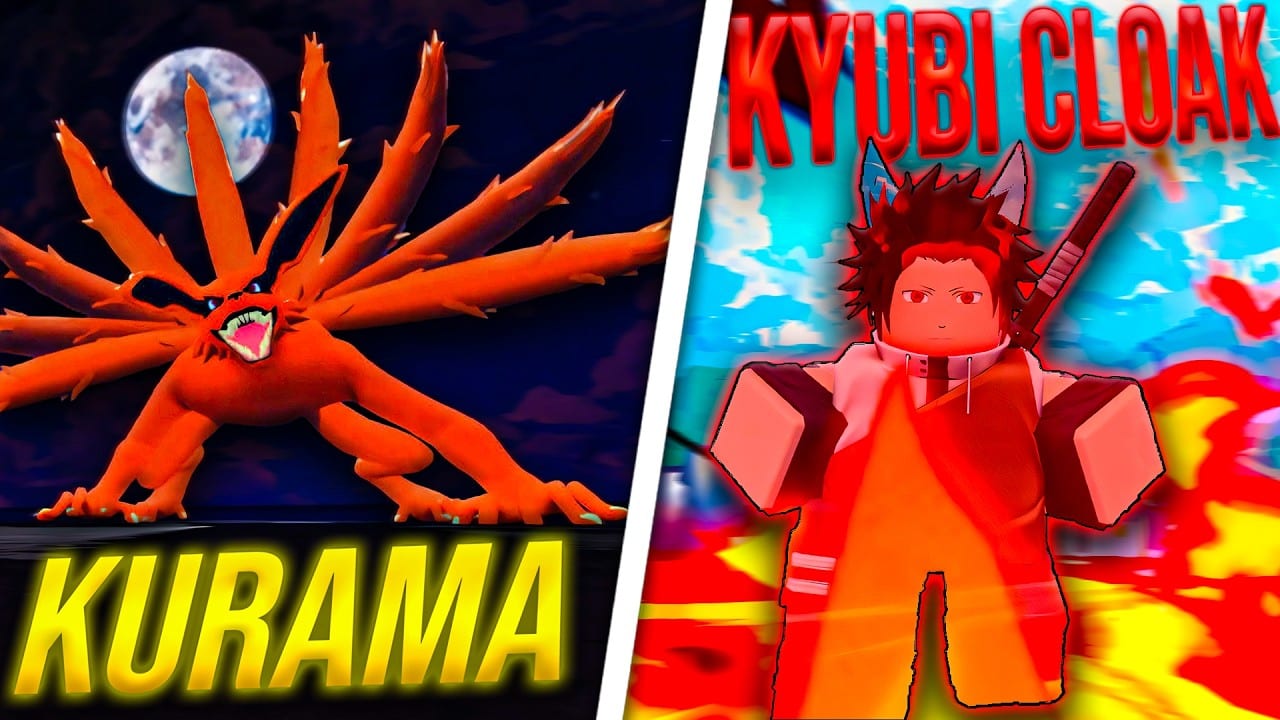
Comfortable controls separate players who execute combos from players who blame lag. Shinobi Way runs on Roblox across PC, mobile, and console, with Update 1 supporting the same open-world ninja RPG loop (~2.2M visits, Place ID 104741933311544) regardless of device. Ouro Games inherits Roblox’s default input layers plus in-game ability bindings for taijutsu, ninjutsu, and UI menus. This controls guide documents the standard layout players report, platform quirks, and where the code redemption button lives — critical for claiming Shinobi Way codes like UPDATE1 and 30KLIKES.
Pair with Getting started in Shinobi Way for first-hour goals and How to redeem Shinobi Way codes if the bird / Twitter icon is hard to find on your screen size.
Universal UI: code menu location
Promo codes are not redeemed on the Roblox website. In-game:
- Load into Shinobi Way.
- Look at the top of the screen for a bird / Twitter icon.
- Tap or click to open the code field.
- Type case-sensitive strings and press Confirm.
Mobile players in portrait mode may need landscape orientation to see the top bar. Console players navigate with focus highlights. If the icon overlaps other modules after a patch, adjust Roblox UI safe zones or resolution.
PC controls (keyboard and mouse)
Roblox PC defaults apply unless rebinding exists in experience settings:
| Action | Default binding (typical) |
|---|---|
| Move | WASD |
| Jump | Space |
| Camera | Mouse |
| Shift lock / precision | Shift (toggle in Roblox settings) |
| Melee / primary attack | Left mouse button or number keys per game layout |
| Abilities / jutsu | Number row or assigned hotkeys — check in-game skill bar |
| Block / guard | Often right mouse or dedicated key — verify tutorial prompts |
| Sprint | Shift (may share with lock; test in safe area) |
| Interact / talk to NPC | E or on-screen prompt key |
| Menu / inventory | Esc or UI buttons along screen edge |
Tips for PC players:
- Enable shift lock for taijutsu tracking in PvP and boss fights.
- Rebind conflicting Roblox defaults before ranked grinding sessions.
- Copy-paste codes from the codes hub to avoid case typos.
Exact jutsu hotkeys vary by loadout — open the skill panel after unlocking ninjutsu in Update 1.
Mobile controls (iOS and Android)
Mobile uses virtual sticks and touch buttons:
| Action | Typical mobile layout |
|---|---|
| Move | Left virtual thumbstick |
| Jump | Jump button (right cluster) |
| Camera | Swipe on right side of screen |
| Attack | Large action button — tap or combo chains |
| Jutsu | Ability icons above attack button |
| Sprint | Dedicated sprint icon or double-tap run — varies |
| Interact | Context button when near NPCs or objects |
| Menus | Icons along top or side — includes code bird |
Mobile tips:
- Use landscape for combat and code entry; portrait hides UI on small phones.
- Increase Roblox UI scale if mis-taps ruin Accuracy training (level stats guide).
- Restart the app after joining Ouro Games group so code redemption recognizes membership.
- Lower graphics if frame drops cause missed inputs during farming.
Console controls (Xbox / PlayStation)
Console maps Roblox defaults to gamepad:
| Action | Typical gamepad mapping |
|---|---|
| Move | Left stick |
| Camera | Right stick |
| Jump | A / Cross |
| Attack | X / Square or shoulder triggers depending on layout |
| Jutsu | Face buttons or bumpers — check skill bar |
| Block | Left trigger or dedicated button if shown |
| Sprint | L3 click or shoulder toggle |
| Interact | Y / Triangle when prompted |
| Menus | D-pad or bumper navigation to top bar icons |
Console tips:
- On-screen keyboard for codes is slow — triple-check capitalization (
EVILFOX,30KLIKES). - Use wired controllers if wireless latency affects parries in PvP.
- Open controls on a second device while learning jutsu slots.
Combat inputs: taijutsu and ninjutsu
Taijutsu strings usually map to primary attack with timing-based combos — hold versus tap may change finishers. Practice on low-risk mobs before boss guide attempts.
Ninjutsu abilities sit on separate cooldown buttons. Balance stat training makes cast-while-moving smoother (How to level stats in Shinobi Way).
Switching between melee and jutsu quickly matters in open-world PvP — drill swaps in private low-traffic areas.
Camera, lock-on, and traversal
Ninja movement relies on verticality:
- Climbing surfaces uses jump plus direction toward climbable geometry — train Climbing stat while exploring.
- Camera control prevents motion sickness on mobile; reduce sensitivity if needed.
- Lock-on (if present) toggles from Roblox or in-game settings — test against fast mobs.
Traversal shortcuts save mission time in Missions and daily quests.
Roblox-level settings to adjust
Outside Shinobi Way-specific binds, tune Roblox client settings:
- UI scale — top bar code icon visibility
- Graphics mode — input lag on mobile
- Shift lock toggle — PC melee consistency
- Safe chat / controls help — younger accounts may have restrictions
These apply across experiences on the same account.
Accessibility and comfort
There is no shame in lowering difficulty via better settings:
- Larger UI for code redemption and menu taps
- Remappable keys on PC where Roblox allows
- Audio cues for ability cooldowns if visual bars are small on phone screens
Report unfixable UI overlap bugs to Discord — Ouro Games shipped hotfix culture (historical BUGFIXES code era).
Controls and progression systems
Good inputs accelerate:
- Stat training — fewer whiffs mean faster Accuracy gains
- Farming — faster kills per EVILFOX window (codes)
- Rerolls — unrelated to controls, but menus live near other top-bar icons (reroll guide)
Fix controls before buying spin packs impulsively.
Related pages
- Getting started in Shinobi Way — tutorial while learning inputs
- How to redeem Shinobi Way codes — code button troubleshooting
- Shinobi Way PvP guide — execution under pressure
- Guides hub — return after you comfortable with basics
Mastering Shinobi Way starts with muscle memory. Spend ten minutes in a safe zone testing jumps, one combo, and one jutsu on your platform — future bosses and players will not wait for you to find the sprint button.
Frequently Asked Questions
Quick answers to the most common Shinobi Way questions.
Where is the code button in Shinobi Way?
After spawning in, tap the bird or Twitter icon at the top of the screen. It opens the promo code field where you enter case-sensitive strings.
Do controls differ on mobile and PC?
Yes. PC uses keyboard and mouse with optional shift lock; mobile uses touch sticks and buttons; console uses gamepad mappings. Core actions are the same.
How do I use jutsu in Shinobi Way?
Assign unlocked jutsu to ability hotkeys or touch icons on your skill bar. Exact slots appear as you progress through Update 1 tutorials and quests.
Why are my attacks missing on mobile?
Small touch targets and frame drops cause whiffs. Increase UI scale, use landscape mode, and train Accuracy on weak mobs per the level stats guide.
Can I rebind keys in Shinobi Way?
Roblox PC allows some remapping in client settings; in-game rebinding depends on what Ouro Games exposed in Update 1 menus. Check settings after tutorial completion.